

Mobile Banking FAQs
Do you have questions about our mobile banking app? See our top FAQs.
Get Started
Mobile Banking
iPhone
Simply delete and reinstall the Mobile App if you are experiencing issues. You might also need to clear your browser history and website data within the Safari options under Settings.
Android
Go to your Application Manager under Settings, select Force Stop App and clear your Cache and Data. Then, delete and reinstall the Mobile App.
The MidFirst Bank App gives you access to your banking account(s) from your iPhone, iPad, Android phone or Android tablet through a downloadable mobile banking application. It allows you to view account balances, search account activity, transfer funds, pay bills and deposit checks.
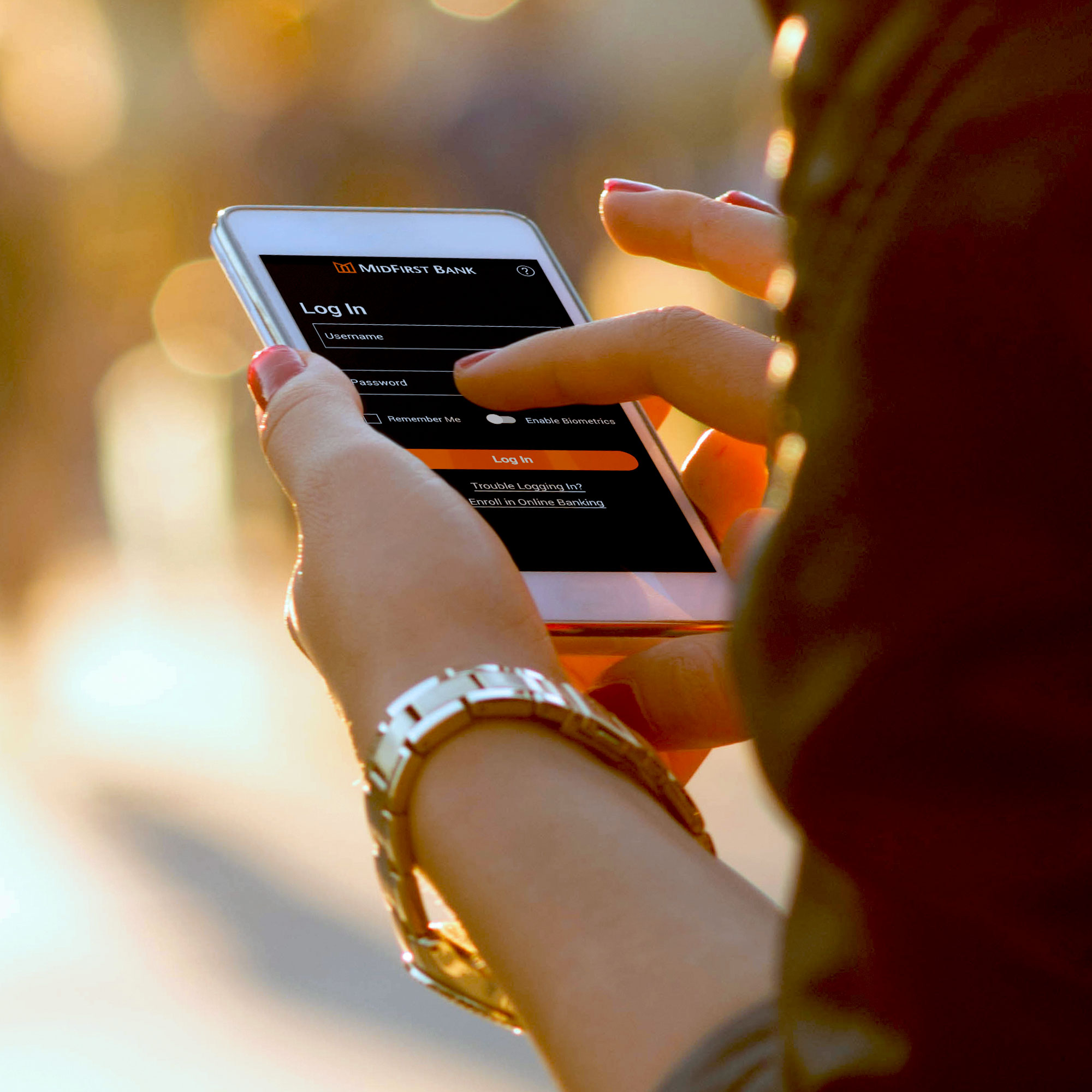
Yes, the mobile application allows your user ID to be saved. When logging in to the MidFirst Bank App, you may save your user ID by selecting "Remember Me" from the Log In screen. For enhanced security, the user ID will then be presented in the future in a masked format, hiding some of the characters. You may remove the user ID anytime by unchecking the "Remember Me" box.
Yes, you must agree to the MidFirst Bank Online and Mobile Banking Customer Agreement to use the service.
Yes, you can schedule bill payments and add new payees using the MidFirst Bank App.
Mobile Banking Website
Mobile Deposit
Yes, there is a daily limit of $7,500 and a monthly limit of $15,000. There is also a transaction limit of eight deposits per day. For details, please review the MidFirst Bank Online and Mobile Banking Customer Agreement.
No, you must retain the check for 15 business days from the date when it was deposited through the MidFirst Bank App. You should mark each imaged item as "electronically presented" or "scanned" after it is transmitted to MidFirst. Once 15 business days have passed, you may securely destroy the check. Do not VOID the check after submittal in the event the deposit is not approved and needs to be resubmitted. Please refer to the MidFirst Bank Online and Mobile Banking Customer Agreement for more information.